
Short Answer
Overview
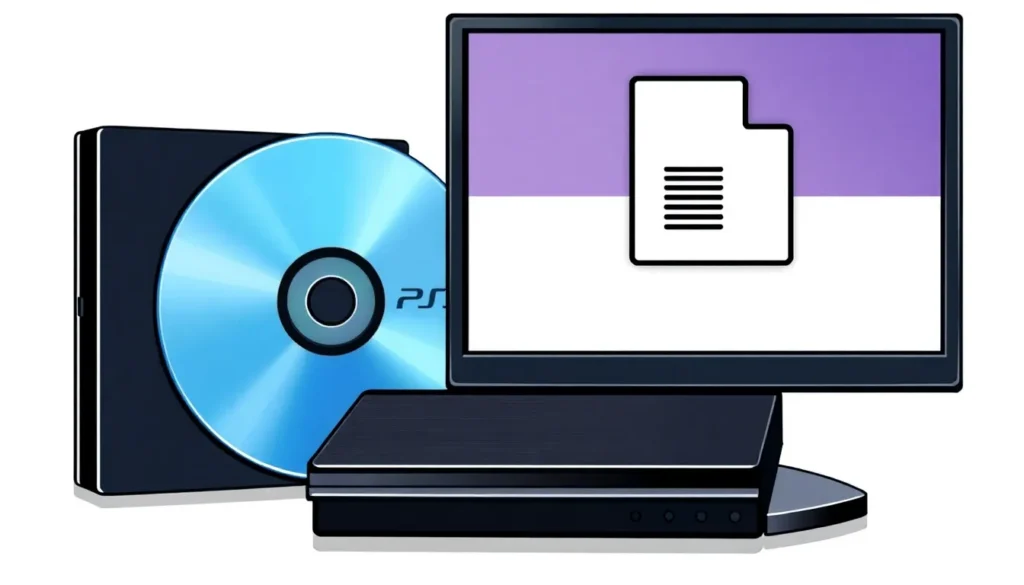
A disc image file for the PlayStation 3 (PS3) is a digital representation of the data stored on a physical PS3 game disc. It contains an exact copy of the disc’s contents, including game data, file systems, and metadata, encapsulated within a single file or multiple files. These disc images are primarily used for backup purposes, archiving, or emulation, enabling users to access the game data without the physical disc.
Detailed Explanation
PS3 disc image files replicate the data structure of Blu-ray discs, which are the physical media used by the PS3. The typical formats for these disc images include ISO and proprietary file structures such as those used by the PS3 firmware or third-party tools. Due to the complex encryption and copy protection mechanisms employed by Sony on PS3 game discs, creating and using disc images for PS3 games involves specific tools and software designed to handle these protections.
The disc image preserves the original file system, usually UDF (Universal Disk Format), and the game’s executable files, digital signatures, and other critical components needed to run the game on the console or emulators. Such files are typically large, often exceeding 20 GB, reflecting the size of modern PS3 games.
How It Works
To create a PS3 disc image, specialized software reads the physical Blu-ray disc sector-by-sector, capturing all data including hidden or encrypted sections. This data is then saved into an image file. When used on a PS3 console or emulator, the disc image file is mounted or loaded as if it were the original disc, tricking the system into recognizing it as a legitimate game disc.
On the PS3, running games from disc images often requires custom firmware or exploits that allow the console to bypass digital rights management (DRM) protections. For emulators, the disc image serves as the source from which the emulator reads data to mimic the gameplay experience.
Examples
- ISO Format: A single-file disc image format that contains an exact copy of the entire Blu-ray disc data. Often used for backup and emulation.
- Folder Dump: Some tools extract the PS3 game disc into a folder structure containing all files and metadata, which can be reassembled or converted into an ISO.
- Encrypted Disc Images: Due to Sony’s encryption, some disc images retain encrypted data that requires decryption or special software to be usable.
Why It Matters
Disc image files for PS3 are important for multiple reasons. They provide a way to back up physical game discs, preserving the game data against loss or damage. They facilitate game preservation and archival, helping maintain access to games even if the physical media becomes unavailable. Additionally, they are essential in the context of emulation, allowing users to play PS3 games on other platforms or modified consoles.
Common Misconceptions
Misconception: “Disc image files for PS3 are legal to download and use freely.”
Correction: Downloading or distributing PS3 disc images without owning the original game disc is generally illegal and violates copyright laws.
Misconception: “All PS3 disc images are easy to create and use on any PS3 console.”
Correction: Due to encryption and DRM, creating and running PS3 disc images often requires advanced technical knowledge and may necessitate custom firmware.
Pros and Cons
- Allows backup and preservation of PS3 games.
- Creation and use often require bypassing DRM, which can be legally and technically challenging.
- Large file sizes require significant storage space.
- Potential risk of corrupt or incomplete images if not created properly.
Comparison Table
| Aspect | PS3 Disc Image File | Physical PS3 Disc |
|---|---|---|
| Meaning | Digital copy of PS3 game data stored as a file or files. | Physical Blu-ray disc containing the game data. |
| Usability | Requires software or firmware support to mount or run. | Playable directly on PS3 hardware without additional tools. |
| Storage | Stored on hard drives or external storage. | Physical storage with risk of damage or loss. |
| Legal Issues | Subject to copyright restrictions; backup for personal use may be allowed. | Legally purchased and used physical media. |
Decision Checklist
- Use this if: You want to back up your legally owned PS3 games or use emulation software.
- Avoid this if: You do not own the original game disc or lack the technical knowledge to handle disc images safely.
- Check this first: Ensure compliance with local copyright laws and understand the risks of modifying your PS3 console.
What is the easiest way to understand PS3 Disc Image Files?
The easiest way to understand a PS3 disc image file is to think of it as a digital snapshot of a PS3 game disc. Just as a photo captures an image, a disc image file captures every bit of data on the game disc, allowing the game to be played without needing the physical disc, provided the device or software supports reading that image.
FAQ
Can I play PS3 disc images on a standard PS3 console?
Generally, standard PS3 consoles do not support playing disc images directly. Playing disc images typically requires custom firmware or exploits that allow the console to bypass standard security measures.
Are PS3 disc images legal to create and use?
Creating disc images of games you own for personal backup may be legal in some jurisdictions, but downloading or distributing disc images without owning the original is typically illegal and violates copyright laws.
What software can create PS3 disc image files?
Specialized software capable of reading Blu-ray discs and handling PS3 encryption, such as certain disc dumping tools and custom firmware utilities, are used to create PS3 disc images.





Leave a Reply