
Short Answer
Overview
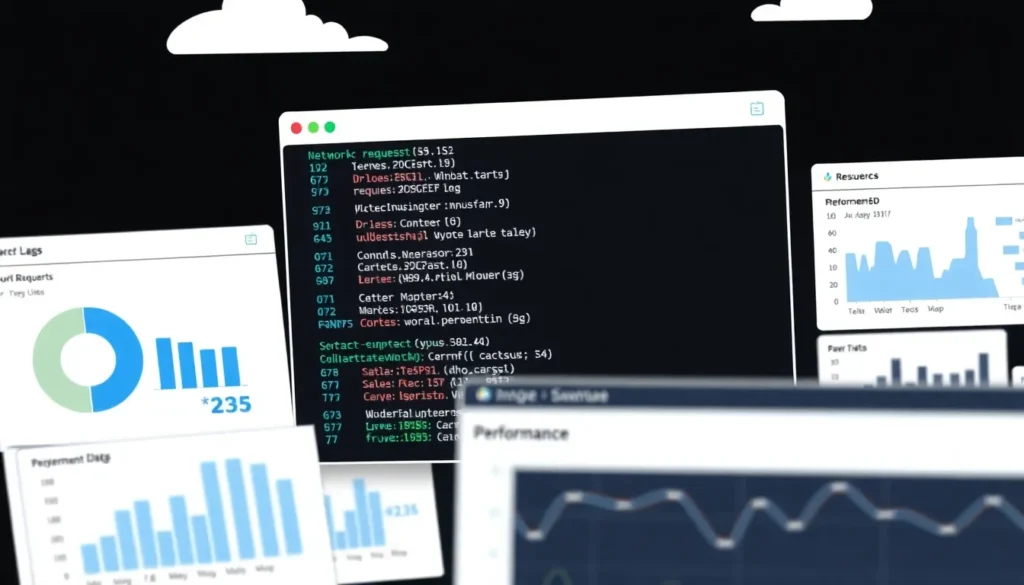
A HAR file, which stands for HTTP Archive format, is a JSON-based file format designed to log a web browser’s interaction with a website. It contains detailed information about HTTP requests and responses made between the browser and the server, including headers, timings, payload data, cookies, and other relevant metadata. HAR files are primarily used for performance analysis, troubleshooting, and debugging of web applications.
Detailed Explanation
The HAR format was developed to provide a standardized way to capture and export comprehensive network traffic data from browsers. This data includes every resource loaded by a web page such as HTML documents, CSS files, JavaScript scripts, images, and other linked assets. The format stores information in a hierarchical JSON structure, making it both human-readable and machine-processable.
Typical elements in a HAR file include the initial request URL, HTTP method (GET, POST, etc.), response status codes, timings for connecting, sending, waiting, and receiving data, as well as details about cookies and cache states. This extensive data helps developers and analysts understand how web pages perform under various conditions.
How It Works
When a web page loads, a HAR file records each HTTP transaction in sequence. Modern browsers or specialized developer tools allow users to capture this data by starting and stopping the recording within network panels or extensions.
Once recorded, the HAR file can be exported as a JSON file, which can be imported into various tools for visualization or further analysis. This process helps identify bottlenecks, failed requests, or inefficient resource loading, providing insights into performance optimization.
Examples
- Debugging Load Time Issues: A developer noticing slow page loads can generate a HAR file to inspect which requests are taking the longest and address those specific assets.
- Analyzing Failed Requests: If users report errors, a HAR file can show HTTP status codes like 404 or 500, helping pinpoint server or client-side problems.
- Third-Party Support Requests: Technical support teams often request HAR files from users to diagnose complex network-related issues involving authentication, redirects, or API calls.
Why It Matters
HAR files provide a detailed snapshot of web traffic that is invaluable for diagnosing issues that are difficult to reproduce or detect. They enable developers and testers to optimize website performance, improve user experience, and ensure reliability across different environments and devices. Without such detailed logging, identifying the root causes of web performance problems would be significantly more challenging.
Common Misconceptions
Misconception: HAR files contain only basic information about web requests.
Correction: HAR files store extensive and detailed information, including headers, cookies, timing data, and content payloads, providing a comprehensive view of web interactions.
Misconception: HAR files are proprietary or specific to one browser.
Correction: HAR is an open JSON-based format supported by multiple browsers and tools, designed to be a standard for web traffic logging.
Pros and Cons
Comparison Table
| Aspect | HAR File | Alternative/Related Format (e.g., PCAP) |
|---|---|---|
| Meaning | HTTP Archive format for logging web browser HTTP interactions | Packet Capture format for recording network traffic at a lower level |
| Data Type | Application layer HTTP requests and responses | Network packets at transport and network layers |
| File Format | JSON | Binary |
| Use Case | Web performance analysis and debugging | Network diagnostics and security analysis |
Decision Checklist
- Use this if you need to analyze web page load performance or troubleshoot HTTP-level issues.
- Avoid this if you require raw network packet data or low-level network protocol analysis.
- Check this first that the HAR file does not contain sensitive data before sharing it externally.
What is the easiest way to understand a HAR File?
The easiest way to understand a HAR file is to think of it as a detailed diary of a web browser’s conversation with a website. It records each request the browser makes and the server’s responses, along with timing information, so you can see exactly what happens behind the scenes when a page loads.
FAQ
What does a HAR file contain?
A HAR file contains a detailed record of HTTP requests and responses made by a web browser, including headers, cookies, timings, and payload data.
How do I create a HAR file?
HAR files can be created using developer tools in most modern browsers by recording network activity during page load and then exporting the captured data.
Is it safe to share a HAR file?
HAR files can contain sensitive information such as cookies and authentication tokens, so they should be reviewed and sanitized before sharing with others.






Leave a Reply