
Short Answer
Overview
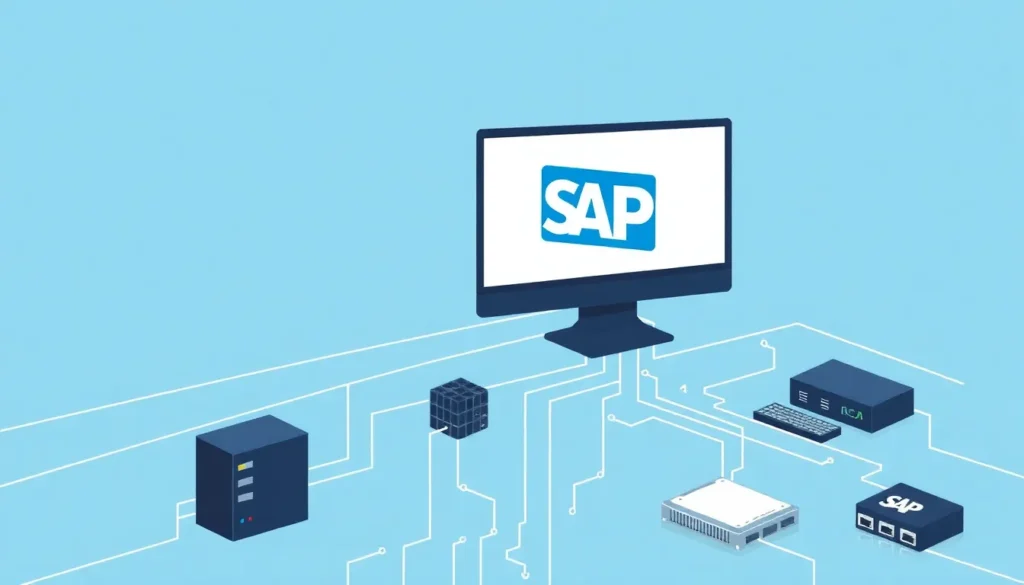
A SAP driver refers to a software interface or middleware component designed to enable communication and data exchange between SAP (Systems, Applications, and Products in Data Processing) systems and external applications, databases, or hardware devices. These drivers are essential in facilitating integration, ensuring that various software and hardware components can interact with SAP software effectively.
Detailed Explanation
SAP drivers serve as intermediaries that translate requests and data formats between SAP systems and external entities. They often comply with specific communication protocols, programming interfaces, or data exchange standards. Depending on the context, a SAP driver might be a database driver (such as ODBC or JDBC drivers tailored for SAP), a device driver interfacing with specialized hardware, or a middleware component that supports SAP’s proprietary communication protocols like RFC (Remote Function Call).
These drivers are critical in enabling SAP modules to access external databases, connect with third-party applications, or communicate with enterprise hardware such as printers, barcode scanners, or point-of-sale systems. They also play a role in facilitating SAP’s integration with other enterprise resource planning (ERP) systems or cloud services.
How It Works
A SAP driver operates by acting as a translator or connector between SAP software and the target system. For example, a database driver designed for SAP will accept data queries from SAP applications and convert them into a format recognizable by the target database management system, then return results back into SAP in a compatible format.
In communication scenarios, SAP drivers manage protocols and sessions, ensuring secure and reliable data transfer. For hardware interfacing, SAP drivers enable SAP software to send commands and receive data from devices, abstracting the low-level hardware details from the user.
The driver typically includes configuration options for setting up connection parameters such as server addresses, authentication credentials, and data formats. It may also support logging and error handling to facilitate troubleshooting in enterprise environments.
Examples
- SAP NetWeaver RFC SDK: Provides drivers and libraries that allow external applications to communicate with SAP systems using Remote Function Calls.
- JDBC Drivers for SAP HANA: Enable Java applications to connect to SAP HANA databases using standard database connectivity protocols.
- ODBC Drivers: Allow various applications to access SAP databases through the Open Database Connectivity interface.
- Device Drivers for SAP: Facilitate communication between SAP systems and hardware such as printers or scanning devices, often customized for specific enterprise needs.
Why It Matters
SAP drivers are essential components for enterprise IT infrastructure, allowing SAP systems to integrate seamlessly with diverse software applications and hardware devices. This interoperability is crucial for maintaining efficient business processes, data consistency, and real-time information flow across departments and external partners.
Without appropriate drivers, SAP systems would be isolated, limiting their functionality and the ability to leverage existing enterprise resources or adopt new technologies. Drivers enable customization and scalability in SAP environments, supporting a wide range of business scenarios.
Common Misconceptions
Misconception: A SAP driver is the same as SAP software.
Correction: A SAP driver is a software component that facilitates communication with SAP software but is not SAP software itself.
Misconception: SAP drivers only connect SAP systems to databases.
Correction: While many SAP drivers enable database connectivity, others also support communication with hardware devices and external applications.
Pros and Cons
Comparison Table
| Aspect | SAP Driver | Alternative/Related Topic |
|---|---|---|
| Meaning | Software component enabling communication between SAP systems and external applications or devices | API (Application Programming Interface) – a set of protocols and tools for building and interacting with software applications |
| Function | Translates and manages data exchange for integration | Provides access points for software functionality without necessarily handling data translation |
| Usage | Connects SAP with databases, hardware, and other software | Used to extend application features or enable external access |
Decision Checklist
- Use this if you need to enable SAP system integration with external databases, applications, or hardware devices.
- Avoid this if your integration needs do not involve SAP systems or require only high-level API access without low-level communication.
- Check this first your SAP system version and compatibility requirements to select the appropriate driver type.
What is the easiest way to understand a SAP Driver?
The simplest way to understand a SAP driver is to think of it as a translator or bridge that enables different software or devices to communicate effectively with SAP systems. Just as a language translator helps two people speaking different languages understand each other, a SAP driver ensures that SAP software and external components can exchange information and work together.
FAQ
What is the purpose of a SAP driver?
A SAP driver enables communication and data exchange between SAP systems and external applications or hardware, facilitating integration and interoperability.
Are SAP drivers only for databases?
No, SAP drivers can also connect SAP systems to hardware devices and other software applications, not just databases.
How do I choose the right SAP driver?
Selecting the right SAP driver depends on the SAP system version, the target system or device, and the specific integration requirements such as protocol support and data format compatibility.



Leave a Reply